


aktuality_do_mailuarrow-backarrow-bottomauthorbasketbezbarierove_mestoblockquotebtn-arrow-backbtn-arrowcalendarcheckcheckedclosedigitalni_evidencedopravni_znaceniemailfacebookfaqfb-circlefooter-imghousehrbitovinfointuitivni_ovladanikatastralni_datalarge-arrow-bottomlinklinkedin-sidebarlinkedinlist-arrowlockloginmapamistni_komunikacemobiliar_obcemobilni_aplikacemodul_DTMmunicipalitynastaveni_roli_a_spolupracenavrhy_na_vkladnewsletterochrana_obyvatelodeslaniphonepozemkove_upravypresnostprojektantiregcountsearchservice1service2service3service4silne_zabezpeceni_a_dostupnostsmlouvy_na_klikspoluprace_nad_dokumentacispravcistavebnicisubjektysupporttechnicka_infrastrukturatriangle-bottomtrideny_odpadtwitterutilityuzemni_planverejne_osvetleniwebova_aplikaceworkerxingyoutubezadatelzelenzivotni_cyklus_stavbyzivotni_situacezrychleni_vystavby
Back to all documents
MawisTools

Activating your MawisTools account

1. Open the following URL: https://fme.mawis.eu/fmeserver/apps/mawis-tools

2. Click the "MAWIS Account" button. If you are already logged in to MAWIS, the system will automatically log you into the service. If not, you will need to log in.
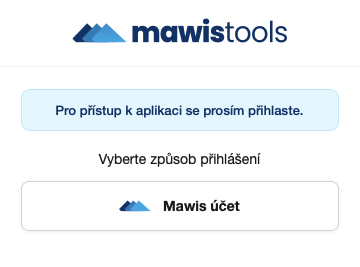
3. After logging in, you will be taken to this page:
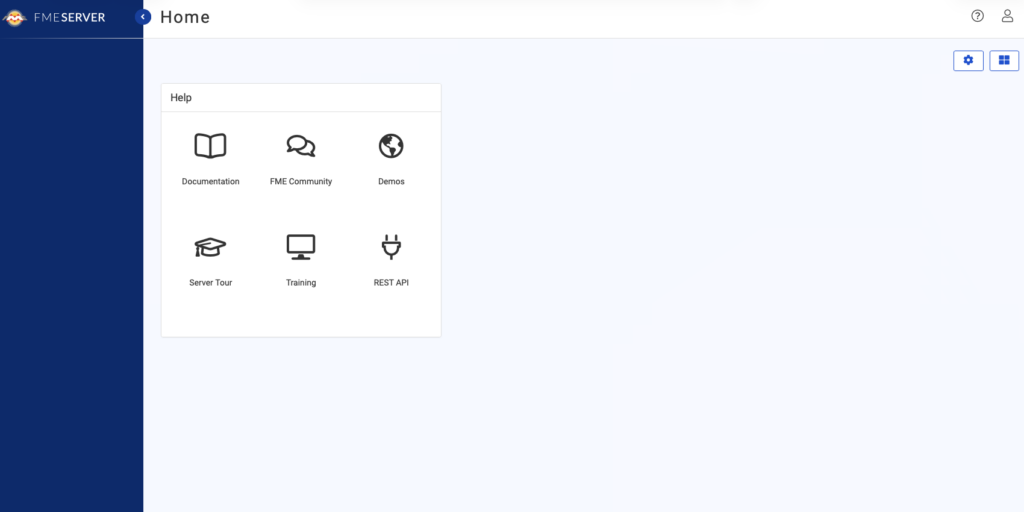
4. Copy this URL again: https://fme.mawis.eu/fmeserver/apps/mawis-tools, paste it into your browser's search bar, and confirm.

5. The MawisTools library should then load and appear on your screen.
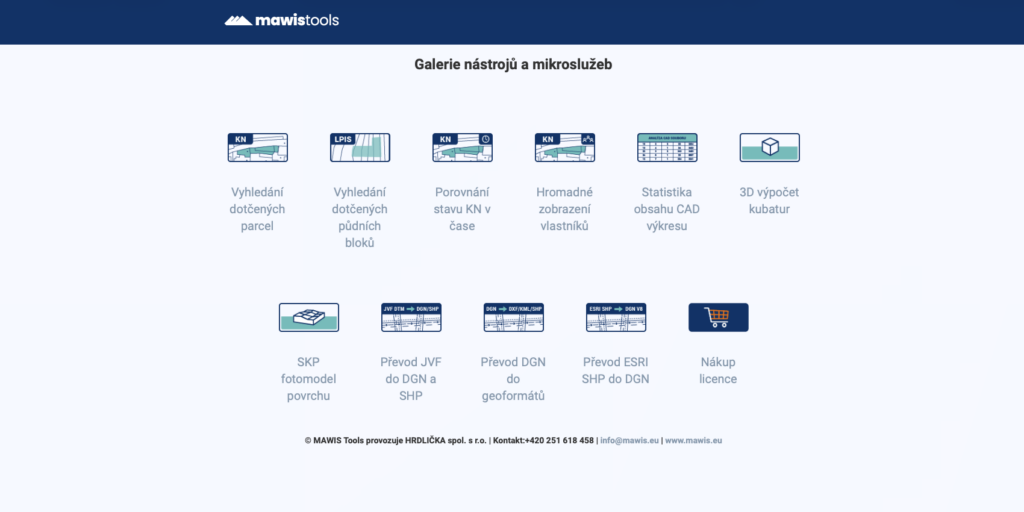
6. Click the icon or text to launch the selected service. Instructions for using each tool can be found in the service details.

7. To log out of your user account, close the tab or your web browser.

Need help?

Please don't hesitate to contact us. Our customer support team is here to help: